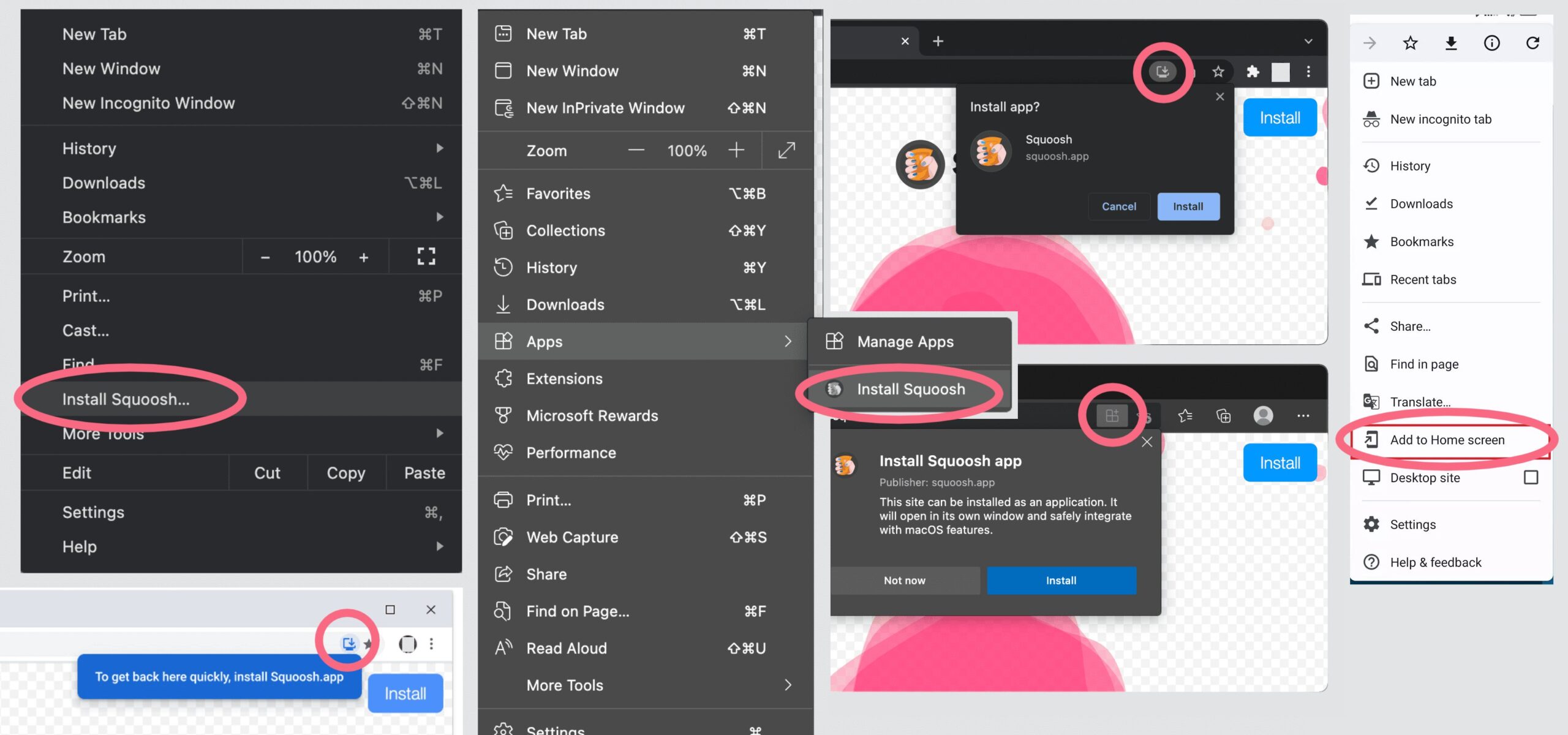
After clicking the ‘Play’ button you’ll be redirected to the app page, where you can install it on your device. Some browsers will invite you to install it automatically, some have the installation button around the address bar, some hide it in their menu (I collected a few examples of how this might look). Wait for it to be installed… then it will appear in your list of installed applications and might even get a desktop shortcut (this depends on your settings).
UPD: The latest version should show the ‘install’ button over the game screen, so you should not look for it in menus anymore.